
Every time I’m on my iPhone or iPad there are certain phrases, usernames, and words that I typically use but am annoyed to type it on the onscreen keyboard. Here is a quick tip on how to add shortcuts so that you only need to type a few letters and your devices will auto-fill it for you.
|
1. Tap your Settings app
2. Tap General.
3. Scroll down and tap Keyboard.
4. Scroll down and tap Shortcuts.
5. Tap the Plus button on the top right.
6. Phrase: type the username or phrase.
7. Shortcut: type a couple letters or word for your phrase shortcut.
8. Tap the Save button.
|

|


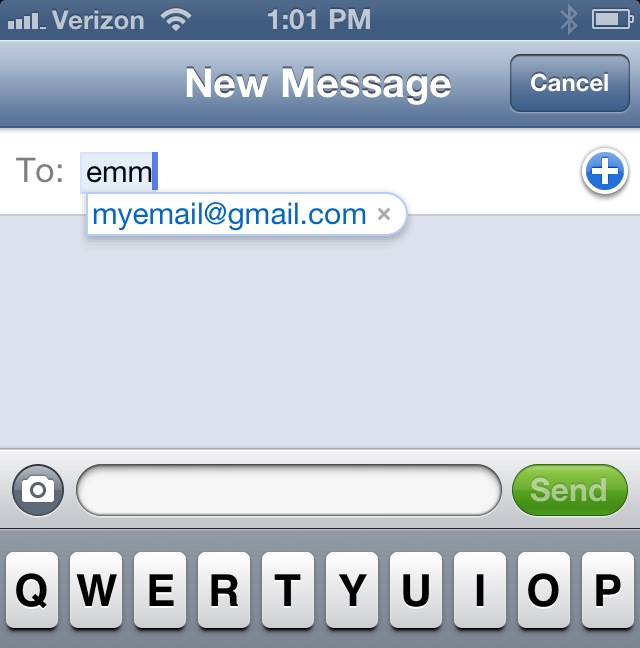
Done! Now the next time you are typing an email, texting, searching online, or whatever you’ll have a quick shortcut to auto-fill for you. I highly recommend this for any user. Click here to download the Google Doc direction.


 Next Gen Life